backdrop alive | ~6 min read TIME
Turning static graphics into interactive mobile-first experiences.
Backdrop Alive is a mobile-first application that transforms static trade show backdrops into dynamic AR experiences. I led the UI design and crafted an intuitive interface that lets attendees interact through branded mini-games, motion backgrounds, and prize redemption systems. The app is designed to increase participation & streamline lead capture, without the need for QR codes or extra hardware.
PROBLEM
SOLUTION
MY ROLE
Discovering
Identifying pain points in trade show engagement.
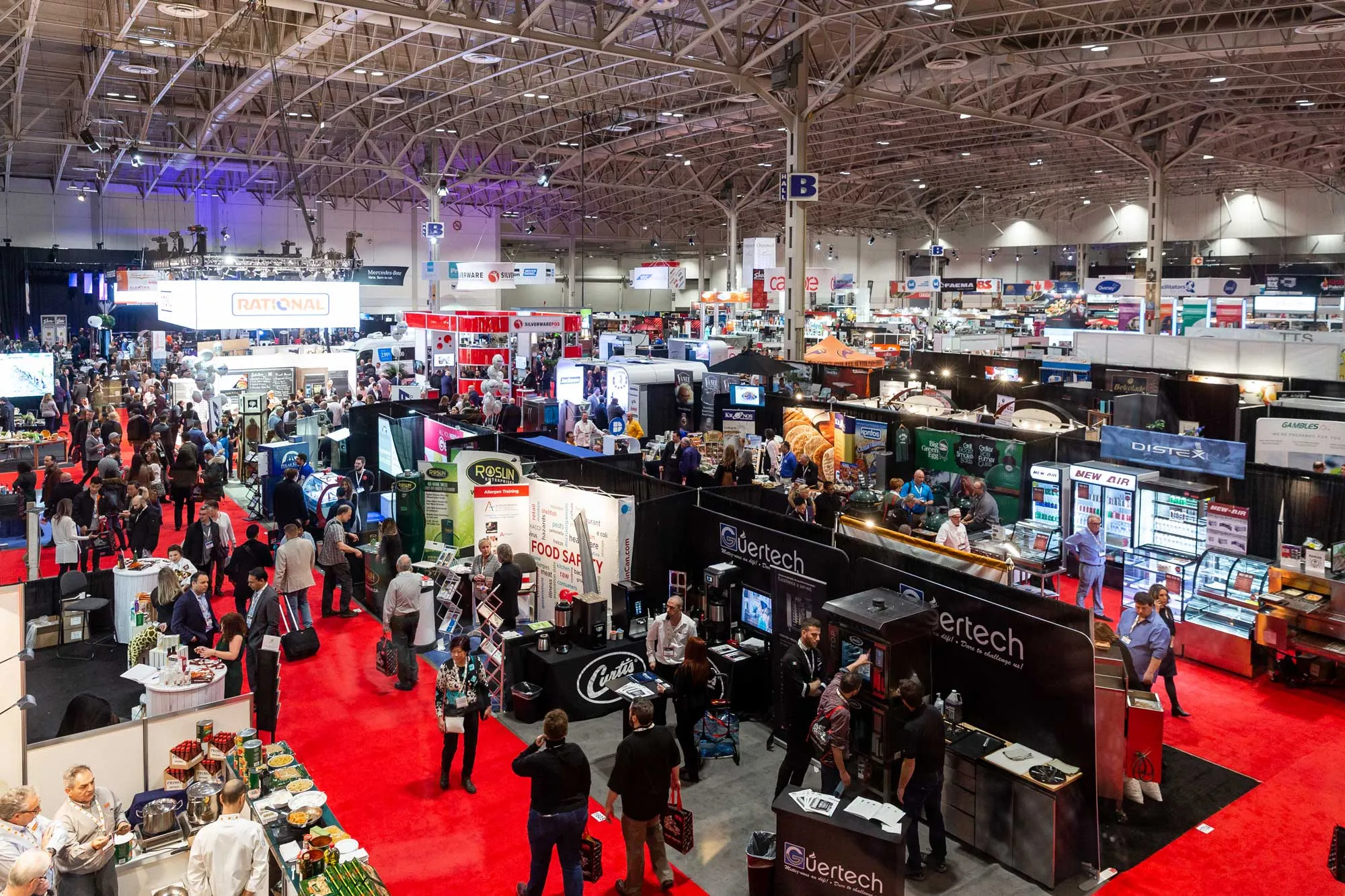
Traditional booths often failed to make lasting impressions or collect meaningful attendee data. We set out to change that with a mobile-first AR experience designed for interaction, immersion, and measurable results.
Exploring the landscape to uncover opportunity.
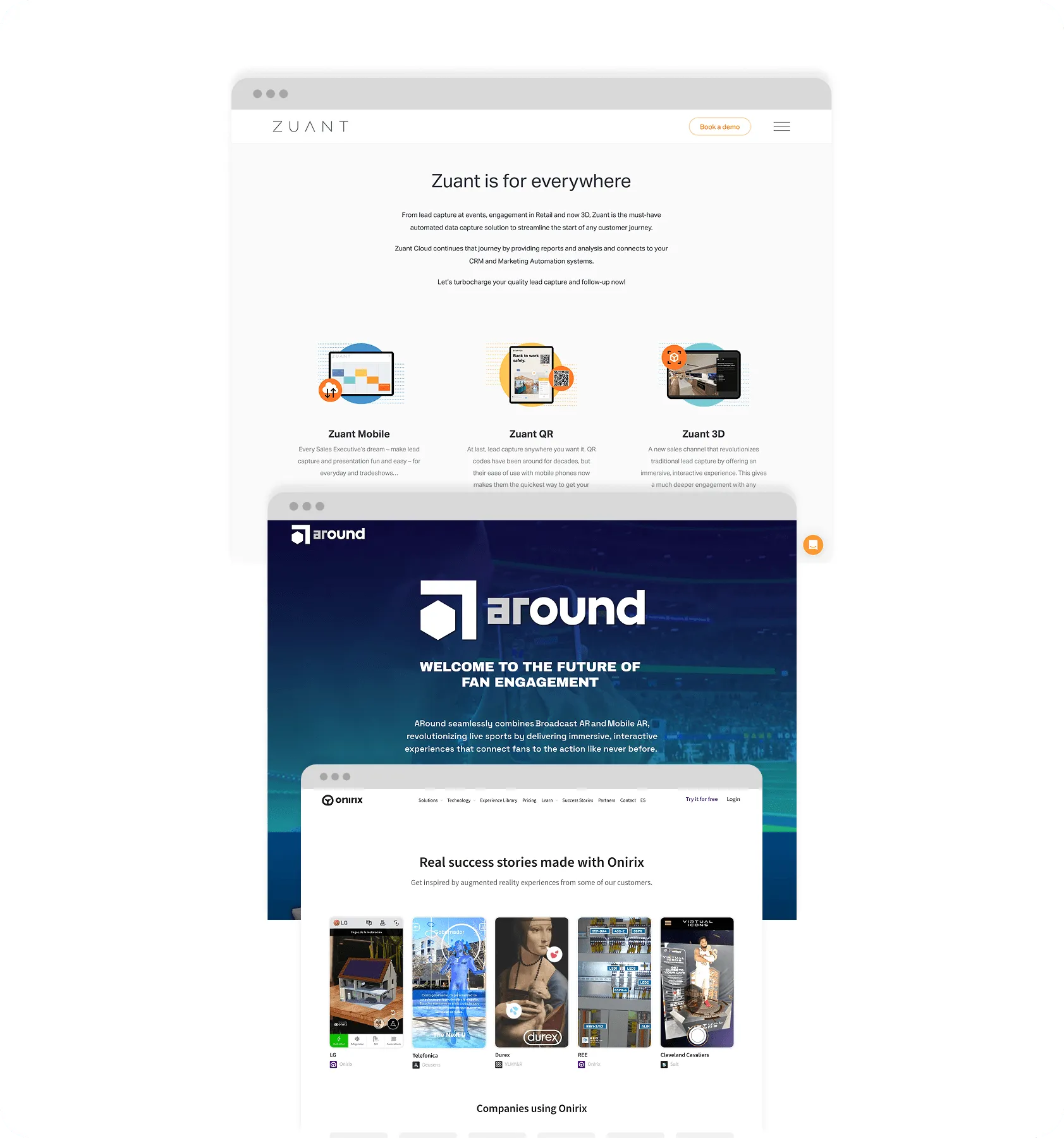
Existing tools offered basic interactivity, but most relied on QR codes, required extra hardware, or lacked support for branded customization. Backdrop Alive seeks to simplify the experience, delivering both seamless lead capture and an engaging, interactive booth without the extra setup.
Framing design around real user needs.
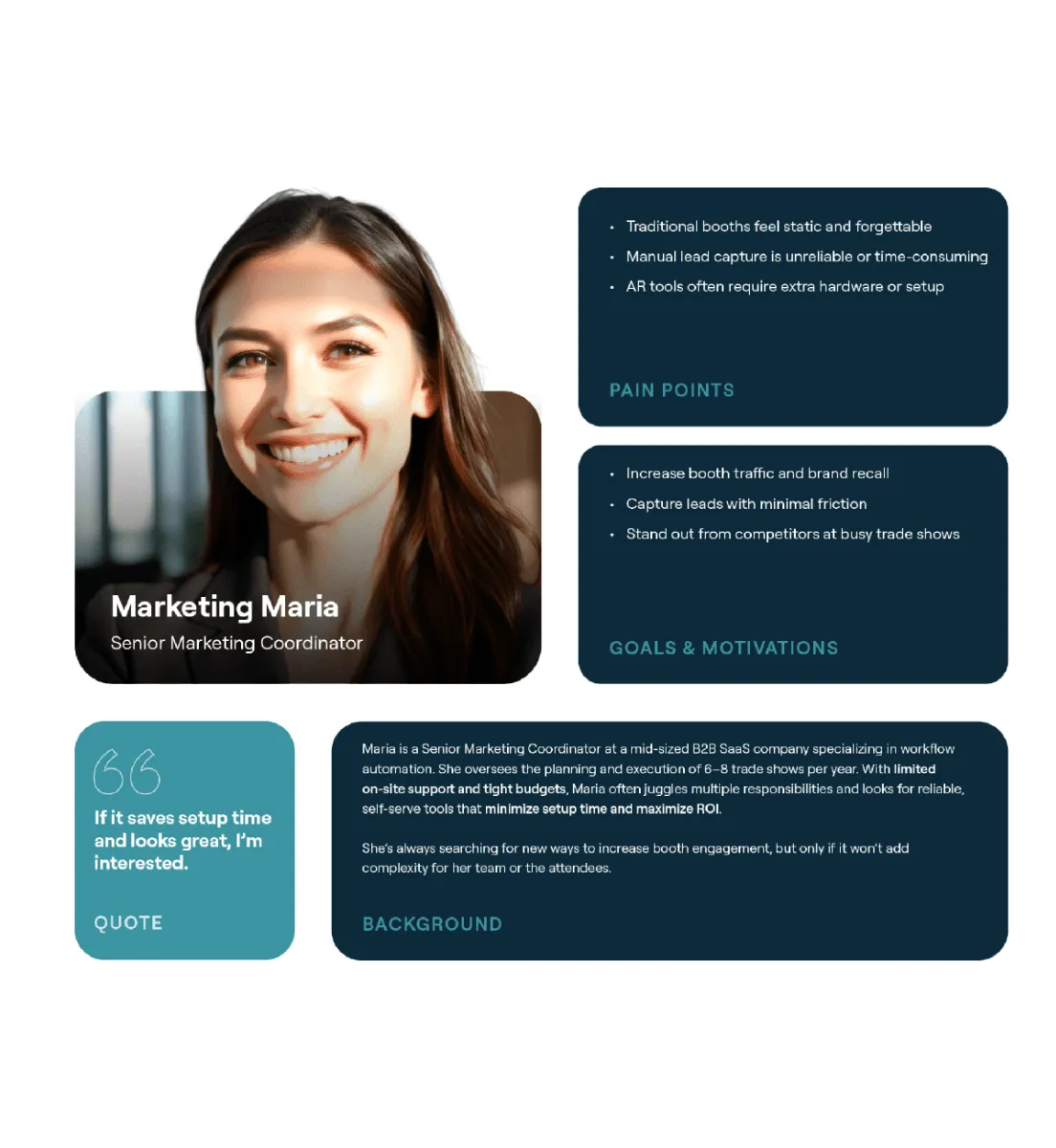
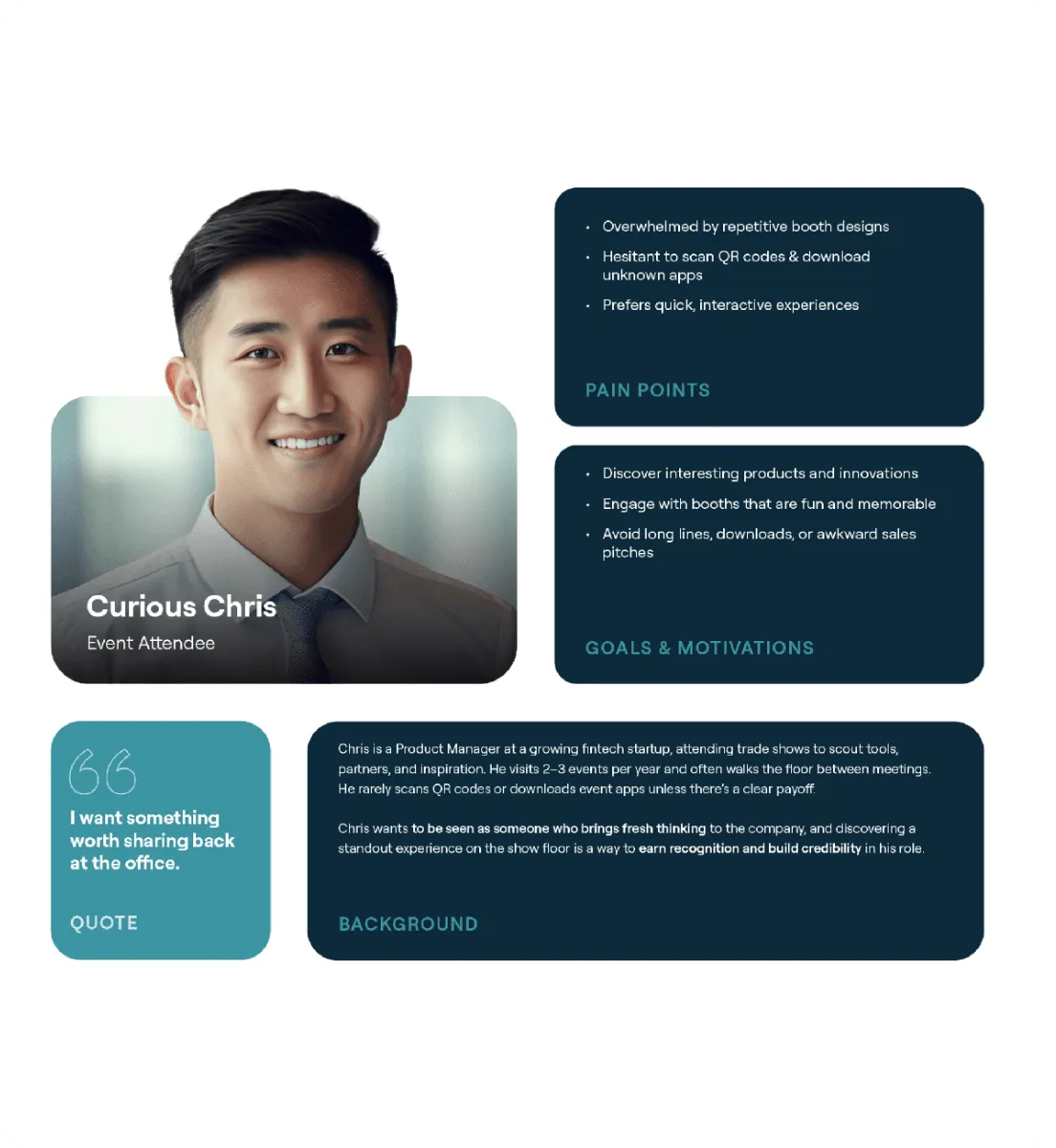
I created two core personas, an exhibitor and an attendee, to guide decisions around onboarding, content structure, and engagement incentives.
Defining
Defining goals & mapping core flows.
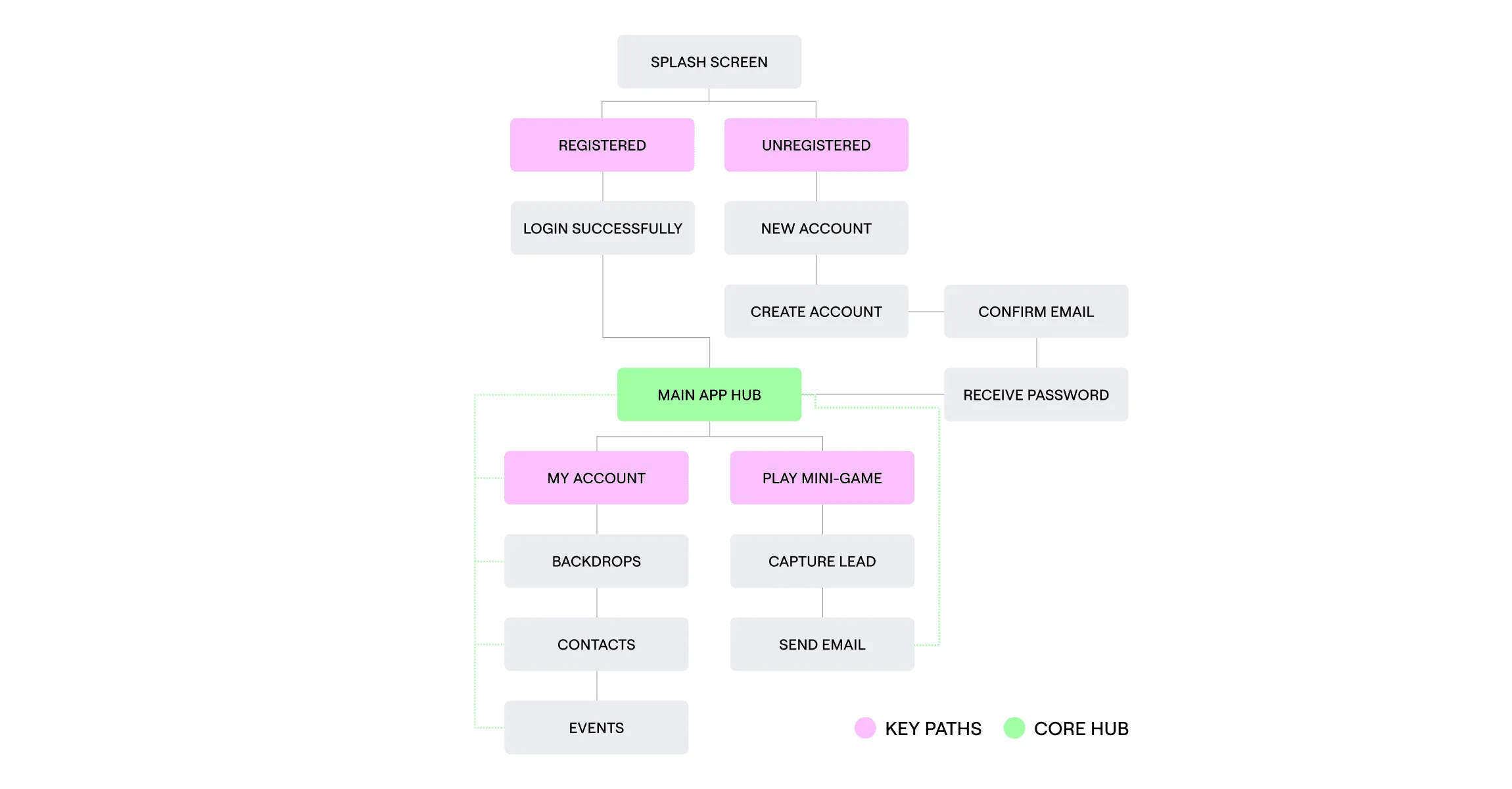
We collaborated cross-functionally to define product goals and map core user flows, focusing on streamlining the experience and reducing friction.
Validating product potential with a single interactive AR flow.
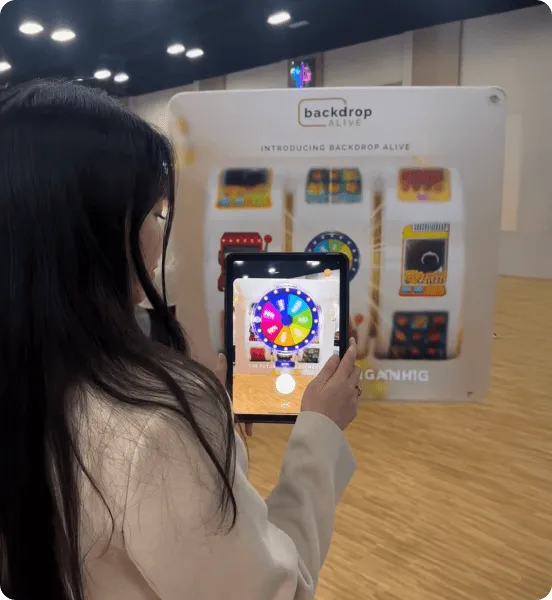
The MVP focused on validating AR engagement. We removed all non-essential features and launched a lightweight prototype that opened directly into the AR experience. It sparked strong attendee reactions and immediate conversations, confirming product potential.
Developing
Wireframing the login & onboarding flow.
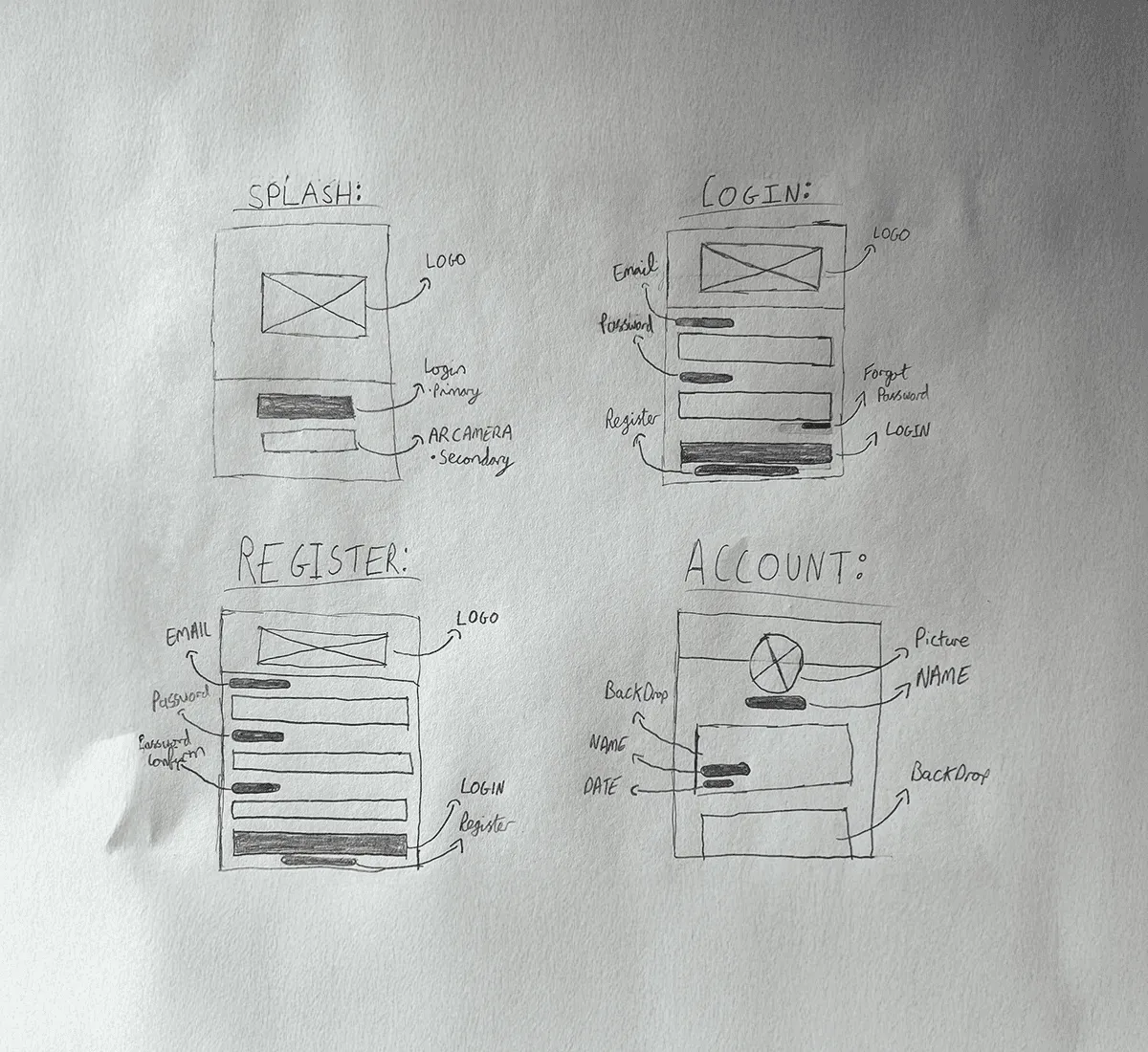
I translated the user flows into low-fidelity wireframes to validate structure, simplify navigation, and test layout decisions early, without the distraction of visuals. I began by wireframing the splash screen and login/registration flow to ensure users could sign in seamlessly before accessing the app.
Building the accounts dashboard.
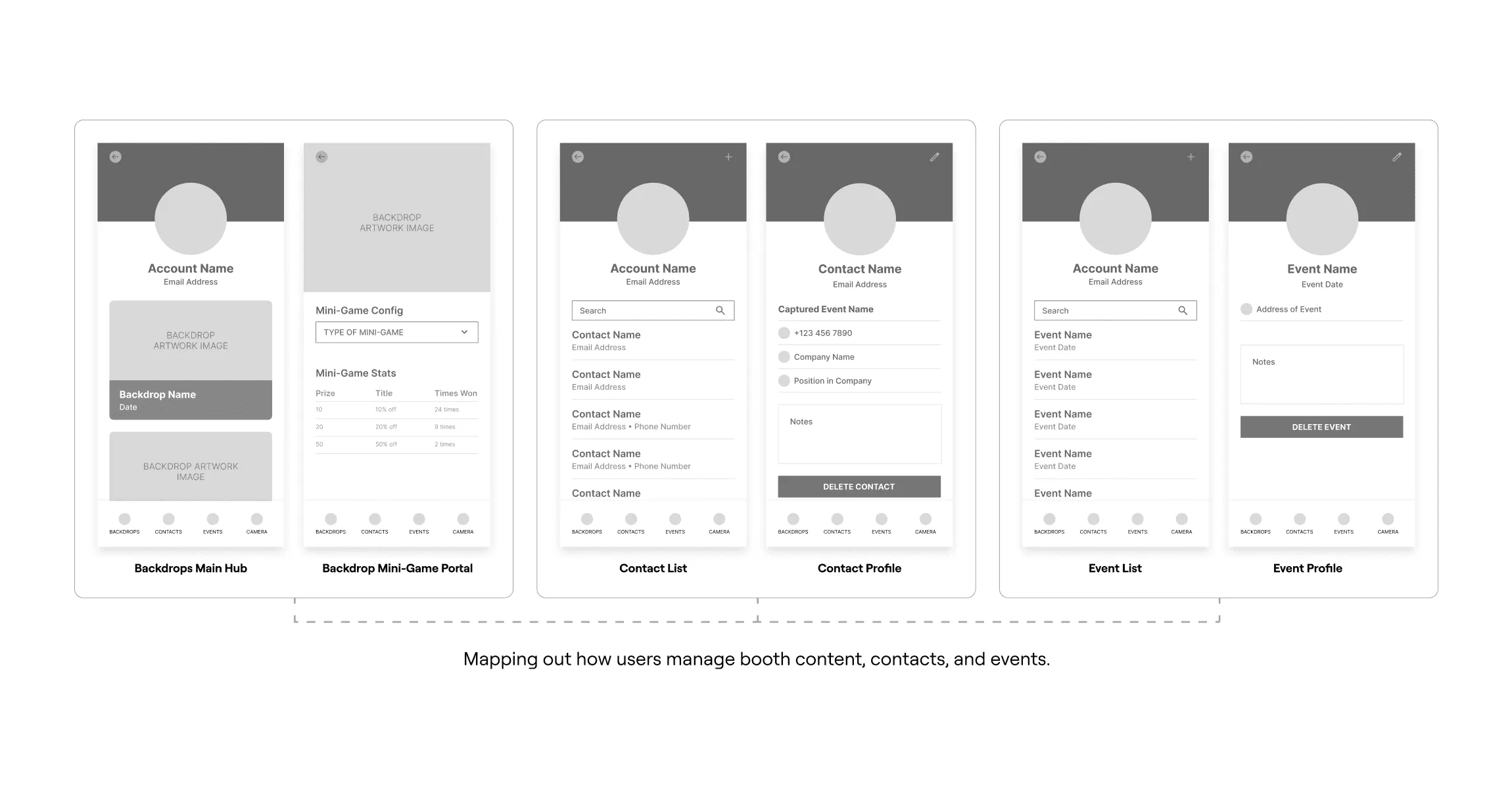
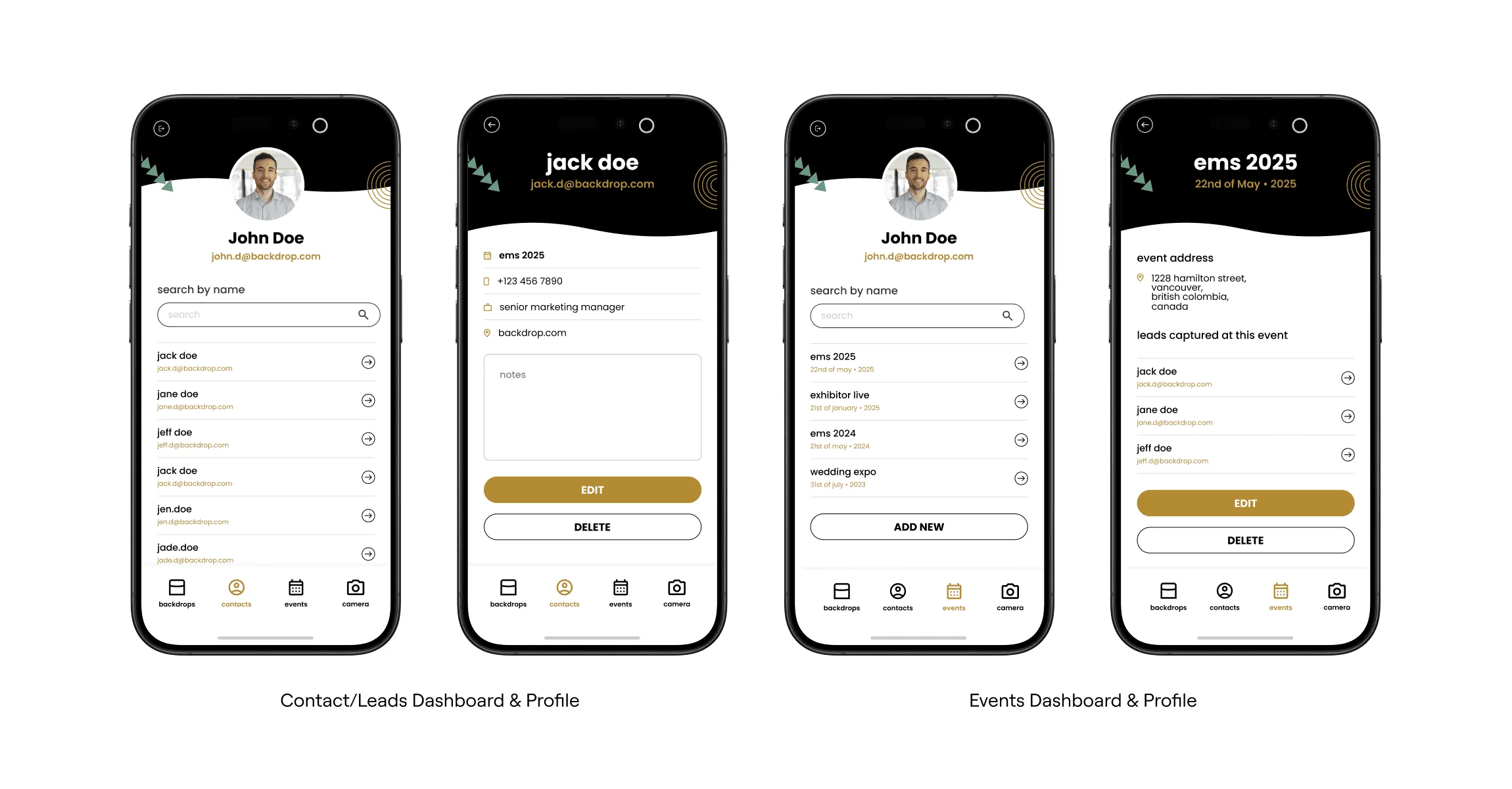
I designed the accounts page as a centralised space for users to manage booth assets, contacts, and event activity. The layout prioritized clarity and scalability, making it easy to switch between events and update key details with minimal friction.
Delivering
Delivering a branded, mobile-first interface.
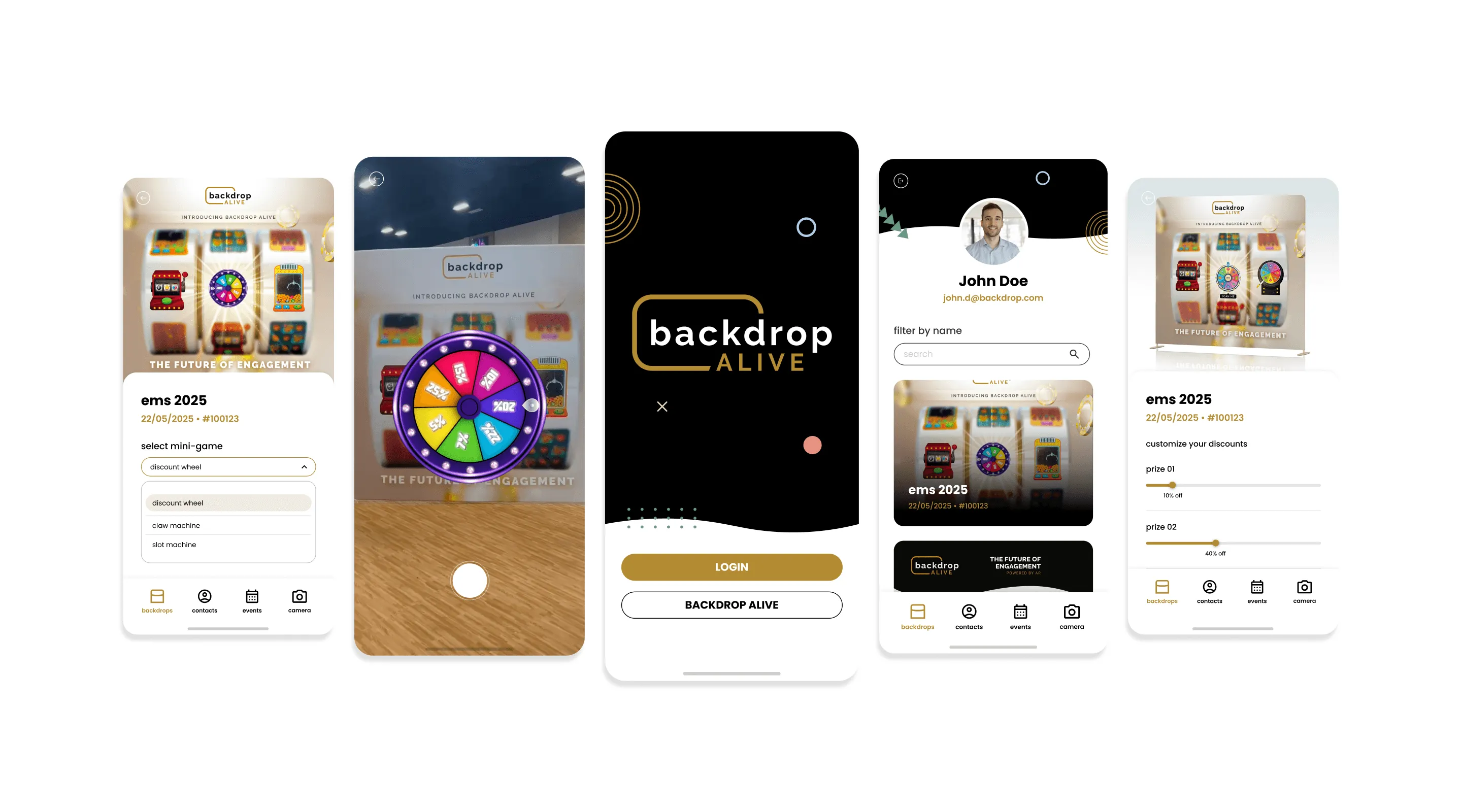
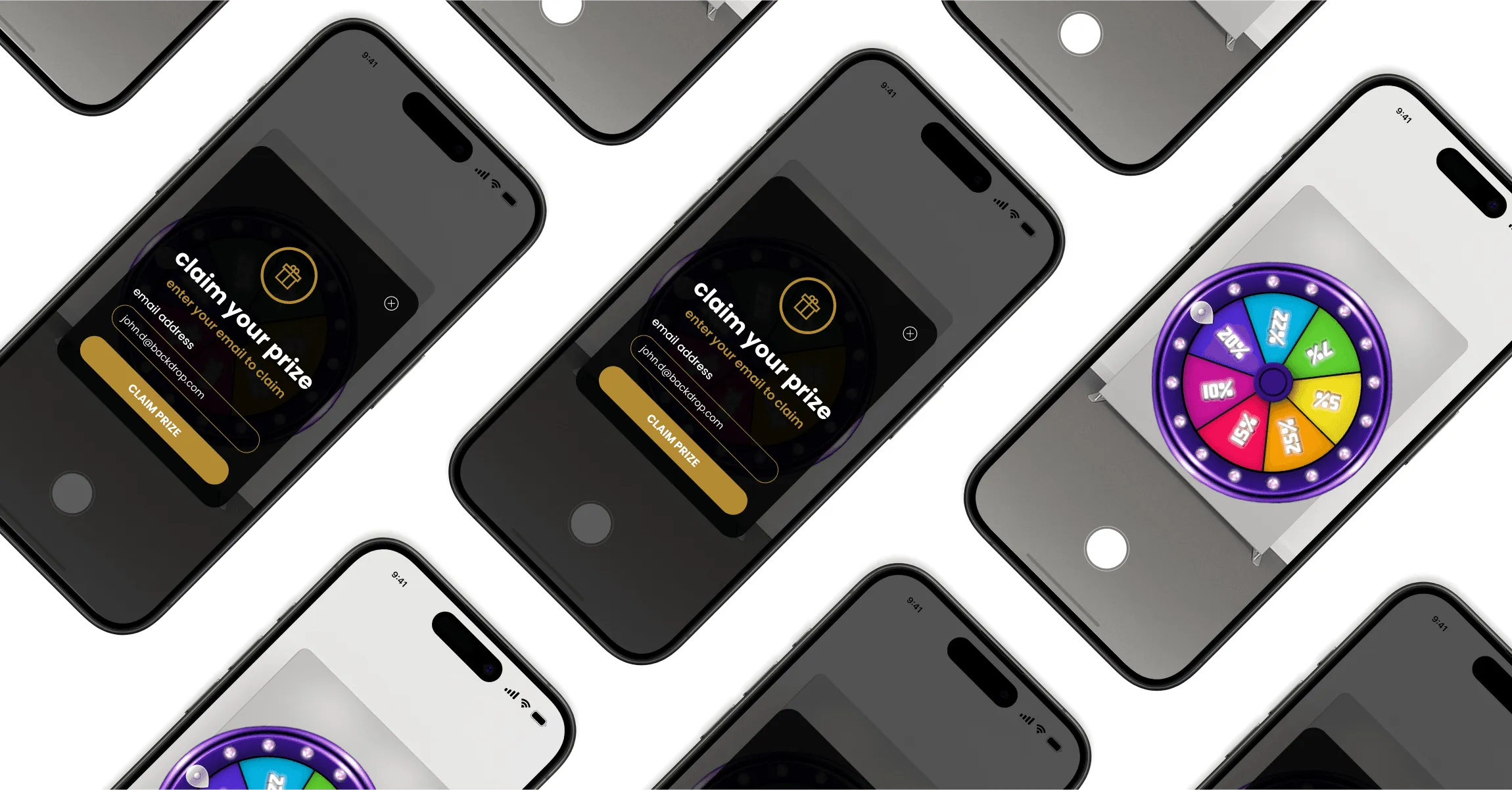
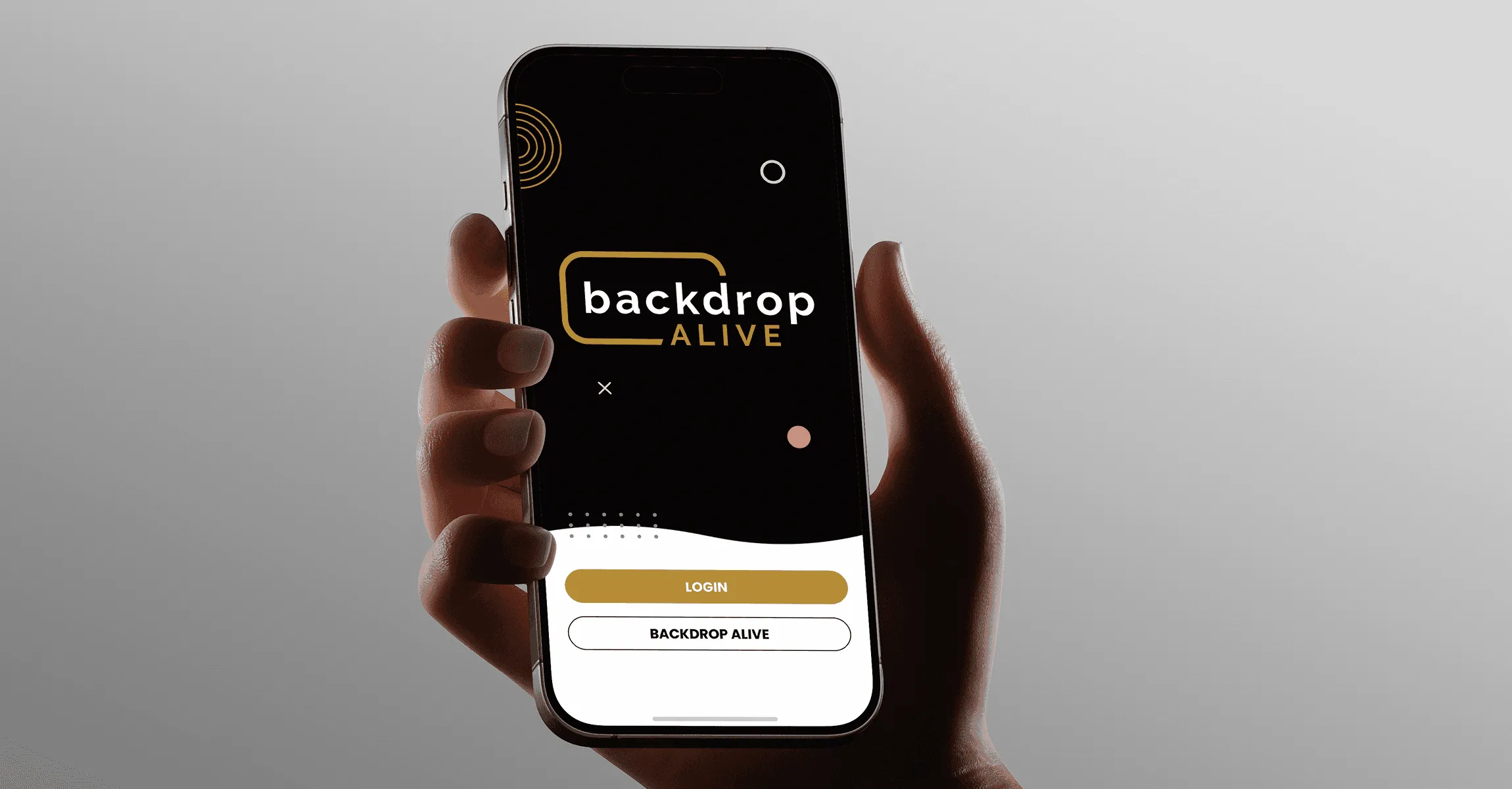
I translated low-fidelity wireframes into high-fidelity designs that reflected the Backdrop brand, incorporating its colors, typography, and visual elements. The UI was purpose-built for live events, focusing on minimal friction, legibility, and intuitive interactions to drive quick engagement on the show floor.
Creating a scalable visual system.
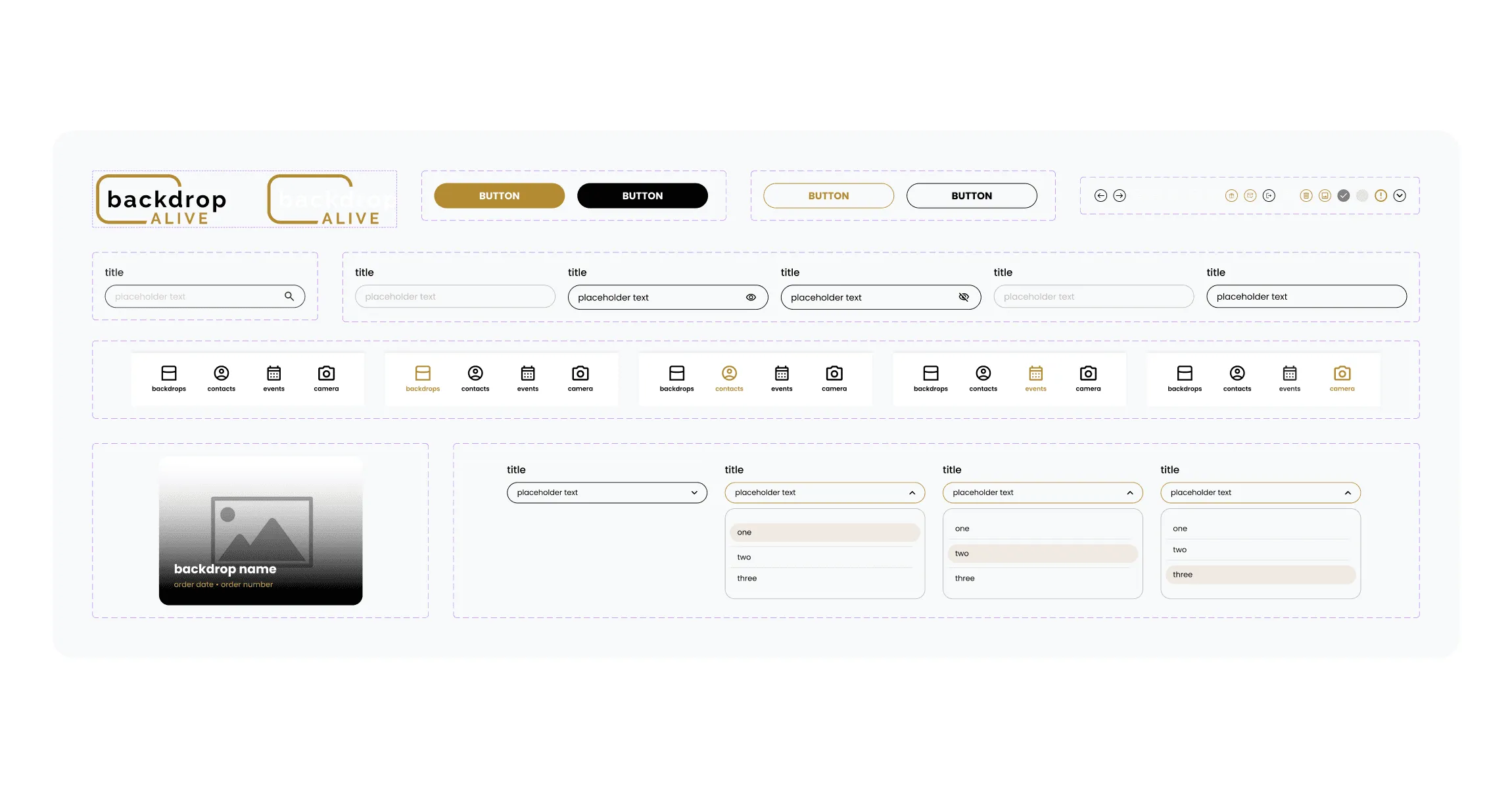
I designed a modular UI system to ensure consistency across future features, booths, and AR interactions. This component library includes buttons, nav elements, modals, cards, and inputs, built for mobile-first use and easy scalability.